
7 Best UX Design Agencies & Platforms to Hire in 2025
Discover the 7 best UX design agencies and platforms to find top talent. Compare services, pros, cons, and find the perfect partner for your project.In a market where user attention is the most valuable currency, a powerful user experience (UX) is non-negotiable. It's the critical difference between a product that thrives and one that gets deleted. For startups, enterprises, and product managers, the challenge isn't recognizing the need for great UX; it's finding the right partner to build it. The search for the best UX design agencies can be a complex process, filled with endless directories and uncertain outcomes.
This guide simplifies that journey. We've compiled a definitive list of top-tier agencies and talent platforms, moving beyond generic descriptions to provide actionable intelligence. For each entry, we analyze core services, highlight standout projects, and clarify their typical pricing models. You'll find direct links and visual examples to see their work firsthand.
This resource is designed to be a practical tool, not just a list. It will help you evaluate potential partners based on your specific needs, whether you're launching a disruptive new app, overhauling an enterprise platform, or seeking specialized expertise for a crucial project phase. Our goal is to equip you with the insights needed to select a digital architect that can translate your vision into a product that delivers measurable results and earns user loyalty. Let's explore the teams and platforms ready to elevate your digital presence.
1. Pixel One: The Full-Service Digital Product Studio
Pixel One stands out as a premier digital product studio, earning its place as one of the best UX design agencies by offering a holistic, full-stack approach to product creation. They are not just designers; they are strategic partners who guide projects from a nascent idea to a fully launched, market-ready product. This end-to-end service model is their core differentiator, making them an ideal choice for businesses that need more than just a wireframe, they need a comprehensive development and launch partner.
Their process is built on a foundation of delivering measurable business impact. By seamlessly integrating product strategy, user-centric UX/UI design, and robust engineering, they transform complex challenges into scalable, efficient digital solutions. This integrated approach ensures that design decisions are always aligned with both user needs and technical feasibility, preventing the common disconnect between design and development teams.
Core Service Offerings & Philosophy
Pixel One's strength lies in its comprehensive service suite that covers the entire product lifecycle. They offer a balanced blend of creativity and structured, results-driven execution, which is crucial for startups and enterprises alike.
- Product Strategy & Discovery: Before a single pixel is designed, Pixel One engages in deep discovery to validate ideas, define a clear product roadmap, and establish key performance indicators (KPIs). For example, they might conduct competitor analysis and user interviews to determine if a proposed feature for a fintech app truly solves a user pain point or is just a "nice-to-have."
- User-Centric UX/UI Design: At the heart of their work is a user-first design philosophy. They conduct thorough user research, create detailed personas and user flows, and build intuitive interfaces. A practical example is creating an interactive prototype of a healthcare patient portal and testing it with actual users to ensure the appointment booking process is completed in under 60 seconds.
- Full-Stack Web & Mobile Development: Their in-house engineering team brings designs to life with clean, scalable code. They handle both front-end and back-end development for web and mobile applications, ensuring a cohesive and high-performing final product.
Key Insight: Pixel One’s ability to manage the entire product journey from strategy to launch simplifies the process for clients, reduces management overhead, and ensures a unified vision is executed flawlessly. This makes them a powerful ally for founders and product managers.
Why They Stand Out
With over 20 successfully launched products, Pixel One has a proven track record of driving significant revenue growth and achieving exceptional client satisfaction. Their portfolio demonstrates a keen ability to deliver tangible results, moving beyond vanity metrics to focus on real business outcomes.
One of their unique strengths is their flexible engagement model. They understand that a fast-growing startup has different needs than an established enterprise undergoing digital transformation. Whether it’s building a minimum viable product (MVP) on a tight timeline or providing ongoing support and feature development, they tailor their partnership to fit the client's specific goals and budget. For those looking to improve an existing product, they also offer specialized services. To see how they evaluate and enhance digital experiences, you can learn more about their UX design audit process.
Practical Considerations & Use Cases
- Ideal For: Startups needing a technical co-founder equivalent, enterprises seeking an agile innovation partner, and businesses aiming to launch a new digital product from scratch. For example, a non-technical founder with a great app idea would find their end-to-end service invaluable.
- Pricing: Pricing is not publicly listed and requires a direct consultation. This allows them to create a custom proposal based on the project's scope, complexity, and required timeline.
- Engagement: Their focus is primarily on digital product development. This specialization means they are less suited for projects like marketing websites or pure branding initiatives that don't involve complex application development.
Website:https://www.pixelonelabs.com
| Strengths (Pros) | Limitations (Cons) |
|---|---|
| End-to-end services cover strategy, design, and development. | Pricing information is not publicly disclosed. |
| Proven success with over 20 launched, revenue-driving products. | Specialized focus may not suit non-tech projects. |
| Flexible engagement models for startups and enterprises. | |
| Strong emphasis on user-centric design and business impact. |
2. Clutch
Clutch is not a design agency itself, but rather a powerful B2B review and ratings platform that has become an indispensable tool for businesses looking to hire one. Think of it as the Yelp or G2 for professional services. It offers a comprehensive, data-driven directory of thousands of the best UX design agencies, allowing you to filter, compare, and select a partner with a high degree of confidence. The platform's core value lies in its commitment to verified, in-depth client reviews, which often include project details, budget ranges, and direct feedback on an agency's process and team.
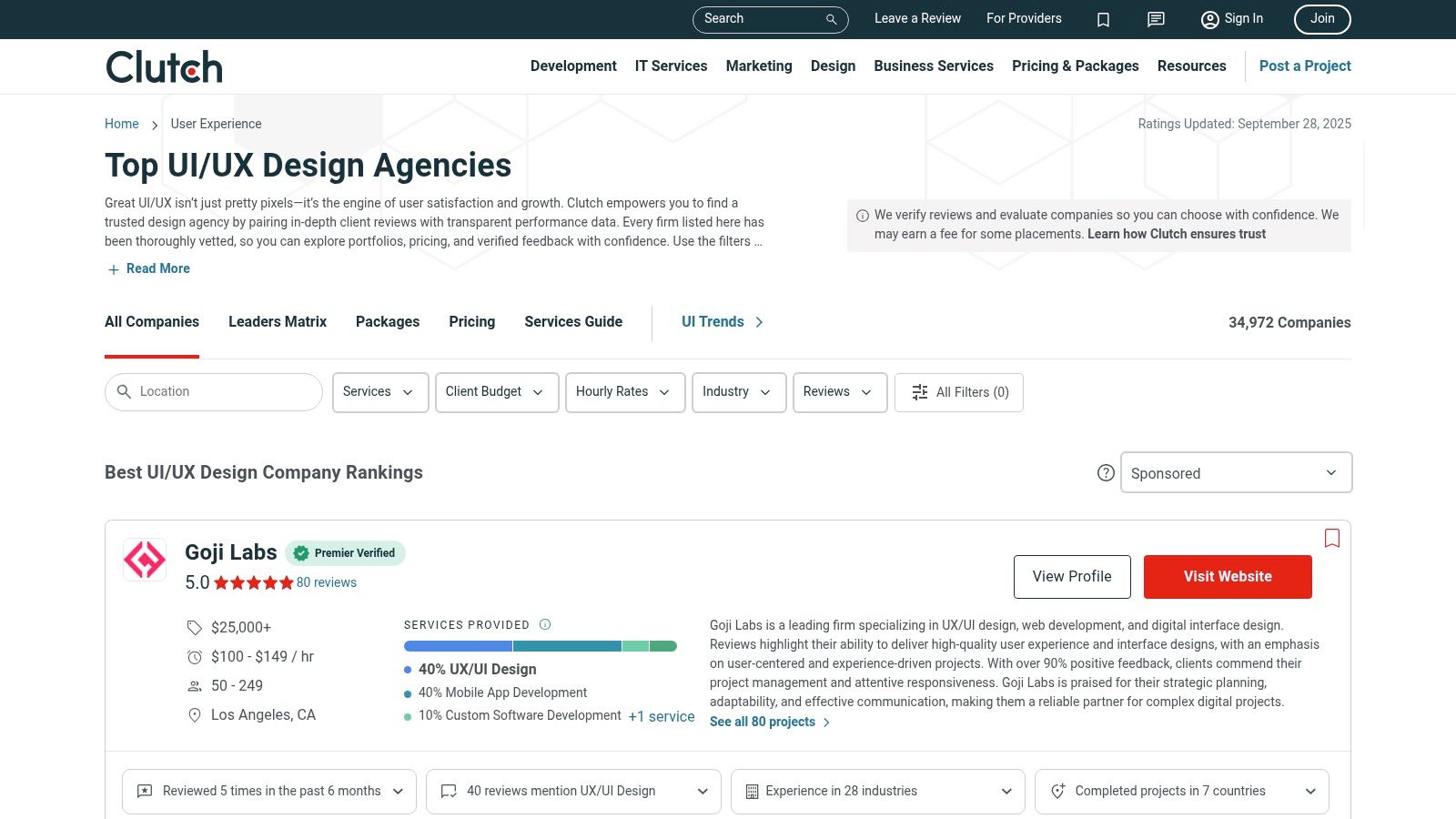
What makes Clutch stand out is its robust filtering system and proprietary "Leaders Matrix." This matrix plots agencies based on two key metrics: Ability to Deliver (client reviews, market presence, experience) and Focus (how specialized they are in a given service). This visual tool helps you quickly identify proven leaders in the UX design space.
Key Features and How to Use Them Effectively
Clutch provides a granular level of control to narrow down your search for the perfect agency. To make the most of the platform, leverage these specific features:
- Service Line Focus: Don't just search for "UX." Filter specifically for "UX Strategy," "UI Design," or even more niche services like "User Research." This ensures you find true specialists. For example, if your primary need is understanding customer behavior, filtering for "User Research" will yield agencies that excel at interviews and data analysis, not just visual design.
- Industry Expertise: If you're in a complex sector like healthcare or finance, use the "Industry Focus" filter. An agency with proven experience in your field will understand your unique compliance and user challenges, saving significant time during onboarding.
- Budget and Location Filters: Set your minimum project size (e.g., $25,000+) and hourly rate to avoid contacting agencies outside your budget. The location filter is excellent for finding local partners for in-person workshops, a common need for complex custom web application development. Explore insights on why partnering with the right development team matters.
- Portfolio and Case Study Review: Go beyond the star rating. Click into an agency’s profile and scrutinize their portfolio. Look for projects that mirror your own in scope and complexity. For instance, if you're building a SaaS dashboard, look for examples of data visualization and complex navigation they've designed previously.
Pros and Cons of Using Clutch
| Pros | Cons |
|---|---|
| Verified, Detailed Reviews: Client feedback is often gathered via phone interviews, leading to rich, unbiased insights. | Sponsored Placements: Top spots can be influenced by paid sponsorships, so don't equate rank with quality alone. |
| Deep Filtering Capabilities: Allows for highly specific searches based on budget, industry, location, and team size. | Review Recency Varies: Some agency profiles may have outdated reviews. Always check the dates. |
| De-risks the Hiring Process: The volume of data and social proof provides a strong vetting mechanism. | Overwhelming Choice: The sheer number of agencies can be daunting without using filters effectively. |
Website:https://clutch.co/agencies/ui-ux
3. DesignRush
DesignRush operates as a dynamic B2B marketplace, connecting businesses with professional agencies across various creative and technical fields. For those searching for the best UX design agencies, it serves as a curated directory that simplifies the discovery and vetting process. Similar to other platforms, it features agency profiles, portfolios, and client reviews, but its key differentiator is a hands-on, concierge-style service designed to accelerate the hiring timeline. This makes it particularly valuable for businesses that need to move quickly without sacrificing quality.
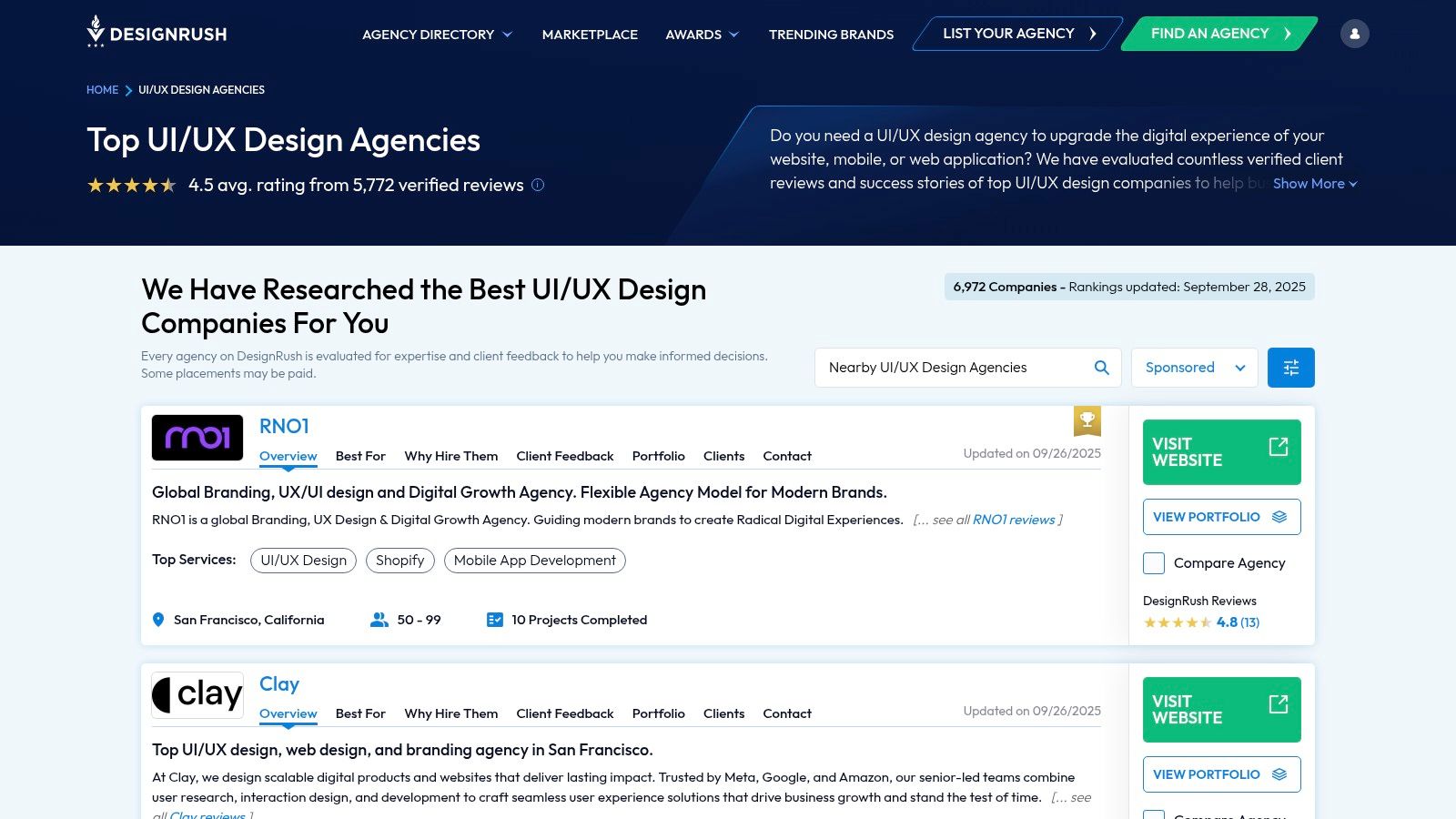
What makes DesignRush stand out is its blend of a comprehensive directory with a personalized matching service. You can browse thousands of agencies independently or submit your project requirements and let the DesignRush team provide a handpicked shortlist of qualified candidates. This dual approach caters to both users who prefer deep research and those who need a faster, more guided selection process. The platform's commitment to regularly updated rankings ensures the information and agency listings remain current.
Key Features and How to Use Them Effectively
To get the most value from DesignRush, it's important to leverage its specific tools for finding a top-tier UX partner:
- Concierge Service: For maximum efficiency, use the "Post a Project" feature. Provide clear details about your project scope, goals, target audience, and budget. For example, instead of "need app design," specify "need UX/UI design for an iOS-based B2B logistics app, budget is $50k, timeline is 3 months." This level of detail helps their team find a perfect match.
- Industry and Expertise Filters: Go beyond a general "UI/UX" search. Use the filters to find agencies specializing in your specific vertical, such as "FinTech UX" or "SaaS UI Design." An agency that already understands your industry’s nuances can deliver a more effective user experience from day one.
- Verified Reviews and Rankings: While browsing, pay close attention to the recency and detail of client reviews. DesignRush's ranking methodology considers factors like portfolio strength and market reputation. Use these rankings as a starting point, but always dive into individual profiles to assess their work yourself.
- Budget and Team Size: Use the budget and team size filters to align with your financial and operational capacity. This simple step ensures that the proposals you receive are from agencies that are a realistic fit for your project's scale.
Pros and Cons of Using DesignRush
| Pros | Cons |
|---|---|
| Concierge-Style Assistance: The option to get a curated shortlist of agencies significantly speeds up the selection process. | Sponsored Placements: As with similar platforms, some top rankings can be influenced by paid sponsorships, so independent portfolio review is crucial. |
| Fresh, Updated Rankings: The directory is actively managed, ensuring agency listings and data are more current than on some other platforms. | Varying Case Study Depth: The quality and detail of project case studies can differ significantly from one agency profile to another. |
| Extensive Agency Coverage: Features a large and diverse pool of agencies, from boutique studios to large-scale global firms. | Focus on Speed: While efficient, the concierge service may not be as thorough as a deep, self-directed research process. |
Website:https://www.designrush.com/agency/ui-ux-design
4. GoodFirms
Similar to Clutch, GoodFirms is not a design agency itself but a comprehensive B2B research and review platform. It serves as a global directory that helps businesses connect with the best UX design agencies and other service providers. The platform is known for its structured company profiles, verified client feedback, and transparent information on pricing and service offerings. It provides a valuable resource for discovering both boutique studios and large enterprise-grade firms, making the vetting process more efficient and data-driven.
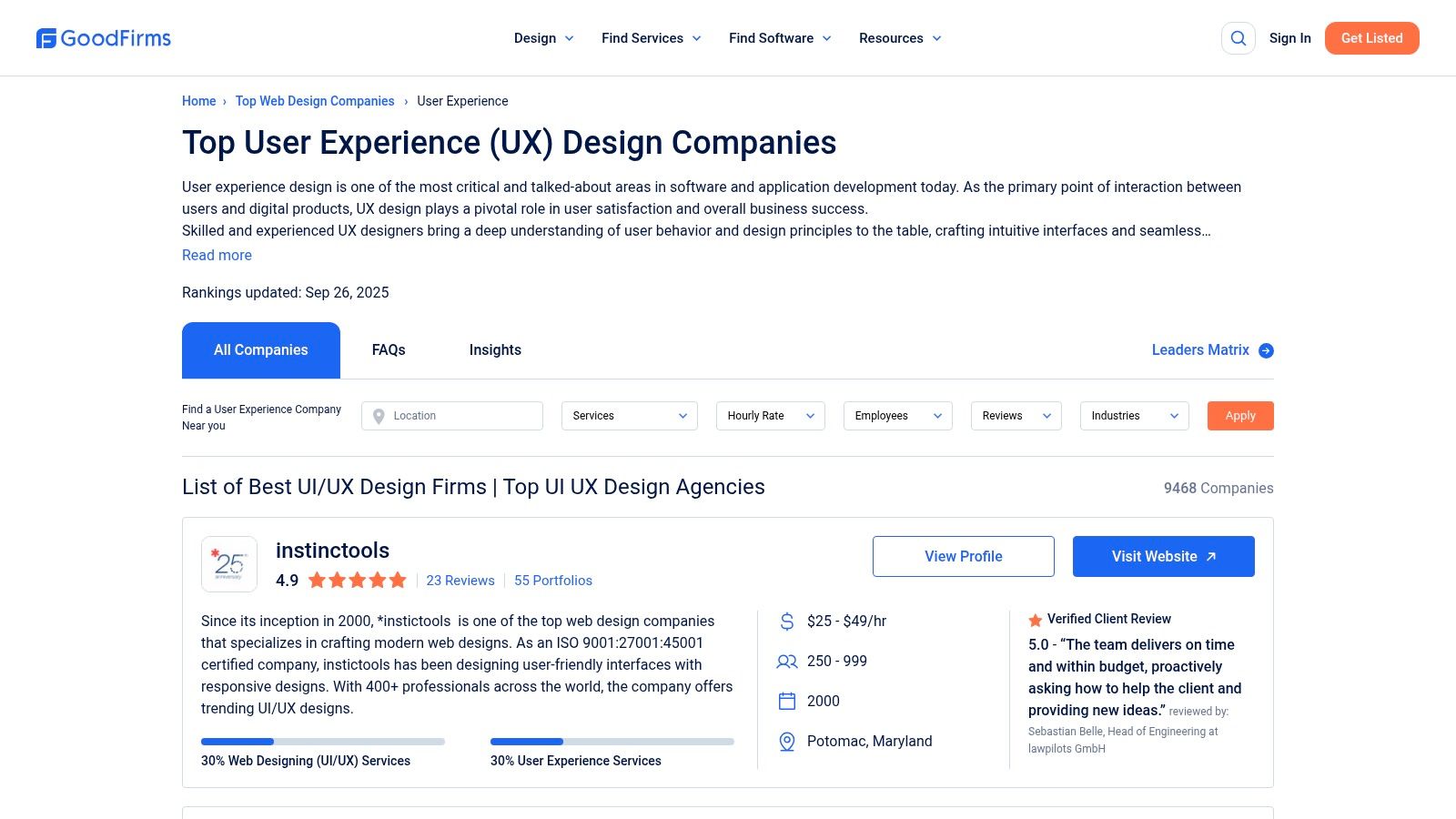
What makes GoodFirms stand out is its emphasis on presenting clear, comparable data points upfront. Profiles often display specific service line percentages, giving you an immediate sense of an agency's core focus. This, combined with its periodic matrices and rankings, helps businesses quickly shortlist providers that are truly specialized in user experience design and strategy, a key part of the entire digital product development services lifecycle.
Key Features and How to Use Them Effectively
GoodFirms offers several tools to help you pinpoint the right agency. To maximize your search efficiency, focus on these specific features:
- Service Mix Breakdown: Look at the percentage breakdown of services on an agency’s profile. An agency with "80% UI/UX Design" is likely a better specialist than one with "10% UI/UX Design," even if both appear in the same list. This is a practical, data-driven way to quickly vet for specialization.
- Budget and Hourly Rate Filters: Use the filters to set your expected hourly rate (e.g., $50-$99/hr) and minimum project size. This is a crucial first step to ensure you only spend time evaluating agencies that align with your financial scope.
- Location and Industry Specialization: Filter by country or city to find local talent for potential in-person collaboration. Additionally, the industry filter helps identify agencies with domain expertise in areas like FinTech or SaaS, ensuring they understand your specific market challenges.
- Review Excerpts and Ratings: Pay close attention to the review excerpts featured on profiles. These snippets provide a quick summary of client satisfaction regarding quality, reliability, and ability, allowing you to gauge an agency's performance at a glance. For example, a review stating "They excelled at turning complex requirements into an intuitive user flow" is a strong positive signal.
Pros and Cons of Using GoodFirms
| Pros | Cons |
|---|---|
| Transparent Pricing Bands: Profiles often display clear hourly rates and minimum project sizes, simplifying budget alignment. | Uneven Profile Quality: The depth and detail of company write-ups can vary significantly from one agency to another. |
| Wide Coverage: The platform lists a vast number of agencies, including many highly-rated US-based firms and global talent. | Outdated Content: Some news, press releases, or portfolio items on profiles can be outdated. Always check publication dates. |
| Clear Service Focus: The service mix percentage helps you quickly identify true UX specialists versus generalist agencies. | Sponsored Listings Impact: As with many directories, prominent placement can be influenced by paid sponsorships. |
Website:https://www.goodfirms.co/directory/services/top-web-design-companies/user-experience
5. Upwork
Upwork is one of the world's largest freelancer marketplaces, offering direct access to a vast pool of individual UX designers and small, agile design agencies. Unlike curated platforms, Upwork provides a broad, open market where businesses can post jobs and hire talent for projects of any scale, from a quick logo refresh to a full application redesign. Its strength lies in its flexibility, allowing companies to engage designers on hourly, fixed-price, or even trial-based contracts, making it an excellent starting point for businesses testing the waters of outsourcing design.
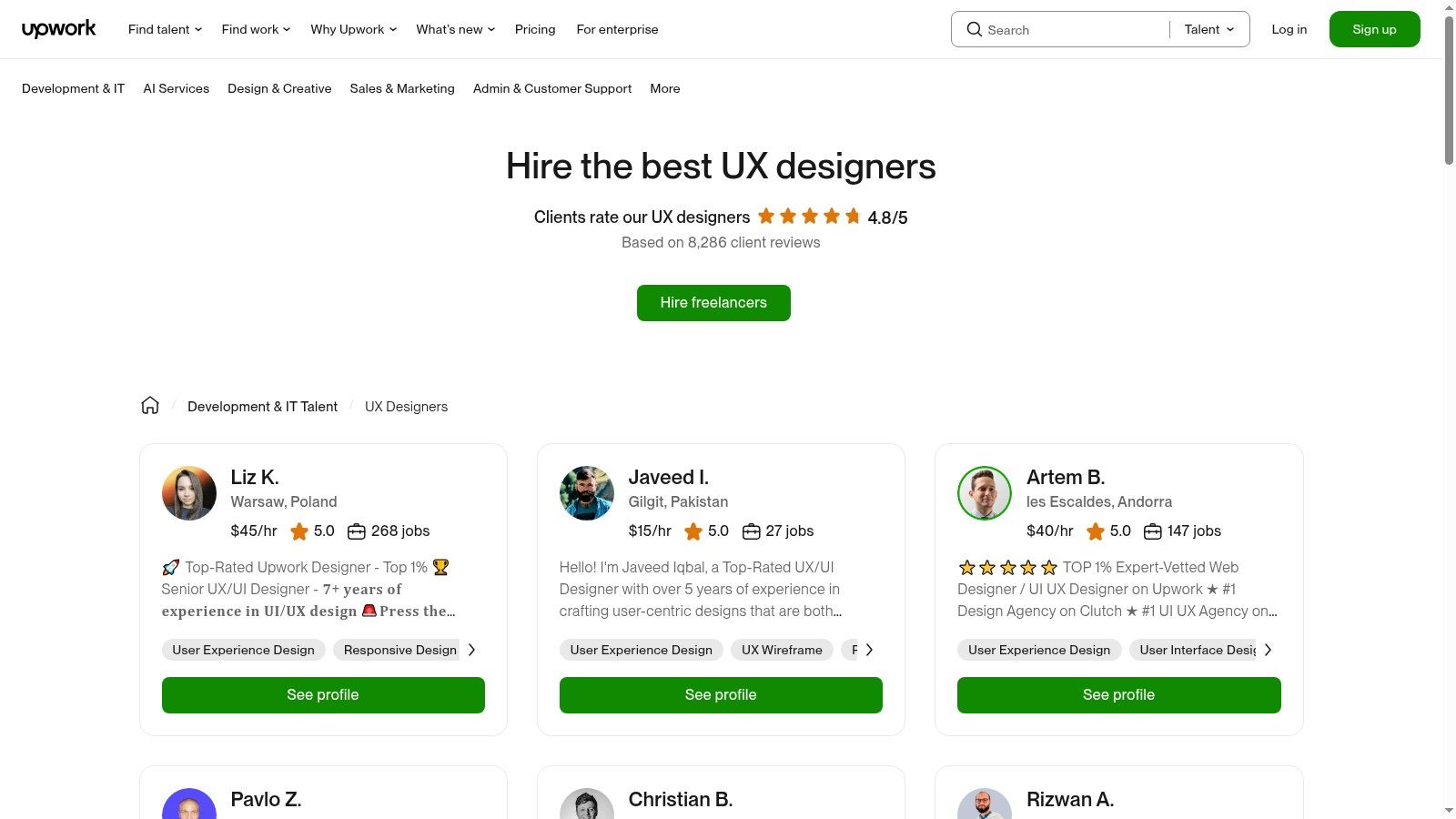
What makes Upwork stand out is its direct hiring model and robust platform features that facilitate project management. Escrowed payments, built-in time tracking, and detailed freelancer profiles with work histories provide a transparent environment. This setup empowers businesses to manage their design resources directly, making it a cost-effective solution for clear, well-defined UX tasks and an essential part of the modern product development for startups ecosystem.
Key Features and How to Use Them Effectively
To find the right talent on Upwork, you need a strategic approach to filtering and vetting. Here's how to leverage its core features for the best results:
- Detailed Job Postings: Be extremely specific in your job post. Instead of "Need a UX designer," write "Seeking UX/UI designer for a fintech mobile app with experience in user flow mapping and Figma prototyping." The more detail you provide, the better the applicants you'll attract.
- Use Advanced Filters: Filter candidates by "Job Success Score" (90% and up is a good benchmark), total earnings (a sign of experience), and location (e.g., "U.S. Only"). This immediately narrows the pool to proven, reliable professionals.
- Review Portfolios and Work History: Don't just look at ratings. Dive into portfolios to see if their design style aligns with your brand. For instance, if you're building a minimalist productivity app, check if their past work reflects that clean aesthetic or if it's cluttered with unnecessary elements.
- Conduct a Paid Trial Project: Before committing to a large project, hire your top candidate for a small, paid task, like designing a single screen or creating a user flow diagram. This is the best way to assess their skills, speed, and communication style with minimal risk.
Pros and Cons of Using Upwork
| Pros | Cons |
|---|---|
| Wide Range of Pricing Options: Caters to virtually any budget, from entry-level to expert-tier designers. | Less Curation: Requires diligent screening from the client, as the platform is an open marketplace. |
| Transparent Histories: Detailed profiles with client ratings, reviews, and work history build confidence. | Top Talent is Often Booked: The most skilled designers and agencies may have limited availability. |
| Quick Start for Small Projects: Ideal for getting small to mid-size UX tasks started quickly without a lengthy sales process. | Variable Quality: The skill level can vary significantly, making the vetting process crucial. |
Website:https://www.upwork.com/hire/ux-designers/
6. Toptal
Toptal positions itself not as a traditional agency, but as an exclusive network of the world's top freelance talent, including elite UX designers, researchers, and strategists. The platform is built on a rigorous vetting process that reportedly accepts only the top 3% of applicants, ensuring clients get access to seasoned professionals capable of handling complex challenges. This makes Toptal a powerful resource for companies needing to augment their teams with high-caliber talent quickly for critical, high-stakes projects.
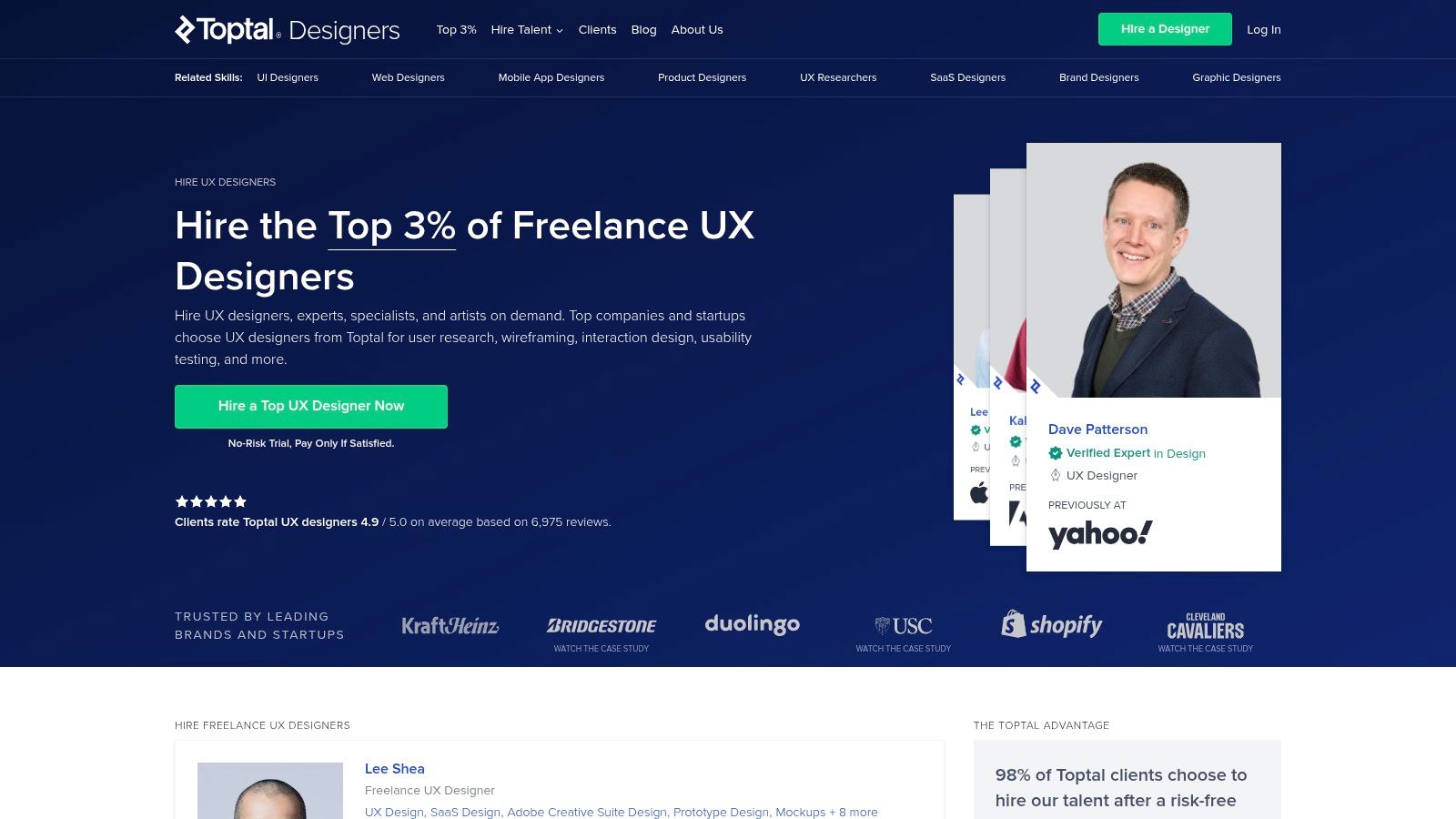
What makes Toptal stand out is its speed and quality guarantee. Unlike traditional hiring or agency procurement processes that can take weeks or months, Toptal can match a project with a qualified UX expert in as little as 48 hours. Its core value proposition is de-risking the hiring of freelance talent through a no-risk trial period, allowing businesses to ensure the designer is a perfect fit before committing.
Key Features and How to Use Them Effectively
Toptal is engineered for efficiency and quality, making it ideal for businesses that cannot afford to compromise on UX expertise. To maximize its value, focus on these features:
- Rapid Matching Process: When submitting your project, be extremely specific about the skills you need. Instead of "UX Designer," request "a senior UX designer with 5+ years of experience in SaaS B2B platforms and expertise in Figma and user journey mapping." This detail allows Toptal's matching team to find the perfect candidate almost immediately.
- The No-Risk Trial: The trial period (typically up to two weeks) is your most valuable tool. Use this time to assign a small, well-defined task from your actual project, like redesigning a high-friction user onboarding flow. This provides a real-world test of their skills and fit before any significant financial commitment.
- Team Building Capability: Toptal can assemble entire product teams. If your project requires more than just a designer, you can request a team comprising a UX strategist, a UI designer, and a user researcher. This is particularly effective for large-scale initiatives common in digital transformation consulting services. Explore more on why leveraging expert teams is crucial for business evolution.
- Industry-Specific Talent: Leverage Toptal’s network to find specialists with deep domain knowledge. If you're building a fintech app, specify that you need a designer who understands financial regulations and user trust signals. This targeted approach dramatically accelerates project kickoff and reduces learning curves.
Pros and Cons of Using Toptal
| Pros | Cons |
|---|---|
| Extremely High-Quality Talent: The intensive screening process significantly reduces the risk of a bad hire and saves vetting time. | Premium Pricing: Access to the top 3% of talent comes at a higher cost than standard freelance marketplaces. |
| Fast Onboarding: You can have a world-class designer working on your project within days, not months. | Pricing Not Public: Costs are provided after a consultation, which can be a hurdle for initial budget planning. |
| No-Risk Trial Period: You can walk away without paying if the matched talent is not a good fit, offering complete peace of mind. | Not for Small Budgets: The model is not designed for one-off micro-tasks or businesses with very limited budgets. |
Website:https://www.toptal.com/ux
7. Fiverr (including Fiverr Pro)
Fiverr is a massive freelance services marketplace that has carved out a unique niche for businesses needing quick, scoped, and budget-friendly UX design deliverables. While not a traditional agency, it functions as an on-demand talent pool where you can hire individual designers for specific tasks, from a quick UX audit to a full set of mobile app wireframes. The platform’s key value is its "gig-based" model, where freelancers package their services into clear, fixed-price offerings, eliminating budget uncertainty and lengthy contract negotiations.
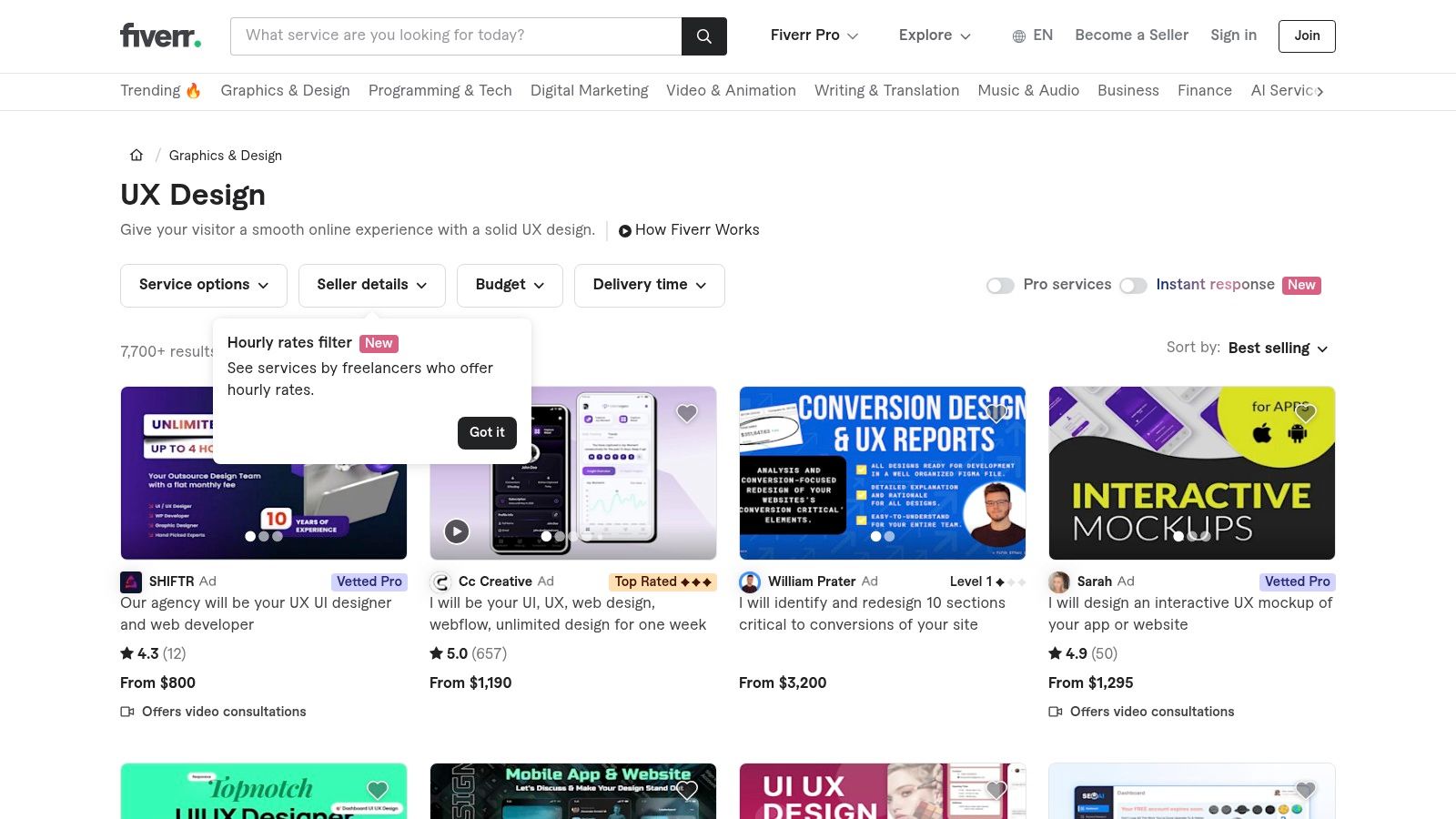
What makes Fiverr stand out, particularly for startups and small businesses, is its accessibility and speed. For those not ready to commit to a full-service agency retainer, Fiverr provides a way to tap into UX expertise for specific project milestones. The introduction of Fiverr Pro adds a crucial layer of trust, as these sellers are manually vetted by Fiverr's team for their professional experience, portfolio quality, and client feedback, making it easier to find top-tier talent among the vast selection of providers.
Key Features and How to Use Them Effectively
To navigate Fiverr successfully and find a quality UX designer, it’s essential to use its features strategically. Focus on vetting sellers carefully to ensure you get the best results for your project.
- Filter for "Pro Services": For critical UX tasks, start your search by toggling on the "Pro Services" filter. These freelancers have been pre-vetted for quality and professionalism, which significantly de-risks the hiring process compared to the general marketplace.
- Analyze Gig Packages: Don't just look at the price. Scrutinize what is included in the Basic, Standard, and Premium packages. For example, a wireframing gig's "Premium" package might include an interactive prototype and a design-to-developer handoff guide, which could be critical for your project's next phase.
- Review Portfolios and Live Work: Look beyond the curated images in their gig gallery. Ask sellers for links to live projects or more in-depth case studies. For example, if you need an e-commerce checkout flow, ask to see a previous checkout design they've completed and ask them to explain their design rationale.
- Initiate Contact Before Ordering: Always use the "Contact Seller" button before placing an order. Send a concise project brief outlining your goals, target audience, and any existing brand guidelines. For instance: "Hi, I need 5 wireframe screens for a new fitness tracking app's onboarding process. Our target users are beginners. Can you share a relevant example of your work?"
Pros and Cons of Using Fiverr
| Pros | Cons |
|---|---|
| Upfront Transparent Pricing: Fixed-price gig packages eliminate budget surprises and scope creep. | Wide Variance in Quality: Strategic depth can vary dramatically; requires careful vetting to find true experts. |
| Rapid Project Initiation: Ideal for discrete, well-defined UX tasks like wireframes, user flows, or audits with fast turnarounds. | Limited Pro Availability: The number of vetted Pro sellers can be limited in highly specialized UX subcategories. |
| Secure Escrow System: Payments are held by Fiverr until you approve the delivered work, providing a safety net. | Best for Tasks, Not Strategy: More suited for specific deliverables rather than long-term, embedded strategic partnerships. |
Website:https://www.fiverr.com/categories/graphics-design/ux-design
Top 7 UX Design Agencies Comparison
| Service | Implementation Complexity | Resource Requirements | Expected Outcomes | Ideal Use Cases | Key Advantages |
|---|---|---|---|---|---|
| Pixel One | High (full-stack, end-to-end) | Moderate to High (design + dev team) | Scalable, market-ready digital products | Startups needing MVPs, enterprises seeking transformation | Proven success, flexible engagement, user-centric design |
| Clutch | Low (directory/research tool) | Low (self-service) | Informed agency shortlisting | Finding vetted UX/UI agencies | Verified reviews, detailed filters, US-specific |
| DesignRush | Low (curated marketplace) | Low (concierge-assisted selection) | Fast agency matching with quotes | Quick agency selection with assistance | Fresh rankings, concierge service |
| GoodFirms | Low (directory) | Low (self-service) | Transparent pricing and profile data | Discover boutique and enterprise UX firms | Detailed profiles, transparent pricing |
| Upwork | Medium (freelancer marketplace) | Variable (depends on project scale) | Flexible, scalable UX engagements | Small to mid-size agile projects | Wide pricing range, escrow payments, flexible hire |
| Toptal | Medium (vetting + matching) | High (senior vetted talent) | High-quality, enterprise-grade UX | Complex projects, enterprise needs | Rigorous vetting, fast onboarding, satisfaction guarantee |
| Fiverr | Low (gig marketplace) | Low (fixed-price gigs) | Quick delivery of scoped UX tasks | Small, fixed-scope UX deliverables | Transparent pricing, rapid start, vetted Pro options |
Making Your Final Decision and Building a Great Partnership
Navigating the landscape of the best UX design agencies and talent platforms can feel overwhelming, but this guide has equipped you with the insights to make a confident choice. We've explored a spectrum of options, from premier full-service agencies like Pixel One and highly-vetted freelance networks like Toptal, to comprehensive directories such as Clutch and DesignRush. Each platform serves a distinct purpose, whether you need an end-to-end strategic partner, a specialized expert for a specific task, or a broad marketplace to compare vendors.
The common thread is that finding the right talent is only the beginning. The ultimate success of your digital product hinges on moving from a simple vendor transaction to a true, collaborative partnership. Your chosen agency or freelancer isn't just a service provider; they are a temporary extension of your team, tasked with translating your business goals into intuitive and engaging user experiences.
Actionable Next Steps: From Shortlist to Selection
Once you have used this guide to narrow your options to two or three strong contenders, it's time to transition into a structured evaluation and interview process. Rushing this critical phase can lead to misaligned expectations and costly rework down the line.
Here’s a practical framework to guide your final decision:
- Prepare a Detailed Project Brief: Before you initiate contact, create a clear document outlining your project's scope, objectives, target audience, technical constraints, and desired outcomes. This not only helps agencies provide an accurate proposal but also demonstrates your own preparedness. A good brief includes user personas, key user stories (e.g., "As a user, I want to reset my password easily"), and success metrics (e.g., "reduce support tickets related to login issues by 20%").
- Conduct In-Depth Interviews: Go beyond their portfolio. The interview is your chance to assess chemistry and process alignment. Ask probing questions that reveal their problem-solving approach.
- Example Question 1: "Can you walk me through a project where the initial user research findings completely changed the product's direction? How did you manage that pivot with the client?"
- Example Question 2: "Describe your communication and feedback loop. How do you handle disagreements on design direction, and what tools (e.g., Slack, Figma comments, Jira) do you use to keep stakeholders informed?"
- Request Relevant Case Studies: Don’t just look at their most polished work. Ask for case studies specifically related to your industry or a similar project challenge. Pay close attention to the process and the results, not just the final UI mockups. Look for quantifiable metrics like conversion rate increases, user retention improvements, or task completion time reductions.
- Verify References and Testimonials: Speak directly with past clients. Platforms like Clutch and GoodFirms are invaluable for this, as they provide verified reviews. If you're considering a direct agency, ask for two or three client references you can contact. Prepare specific questions about their experience regarding communication, deadlines, and the overall quality of the partnership.
Factors for a Successful Partnership
Selecting one of the best UX design agencies is just the start. Cultivating a successful partnership requires proactive effort from your side as well. The most fruitful collaborations are built on a foundation of mutual respect, clear communication, and shared goals.
Consider these crucial factors as you onboard your new design partner:
- Clarity is King: Be crystal clear about your goals, budget, and timeline from day one. Ambiguity is the enemy of efficient design. Ensure you have a single, designated point of contact on your team to streamline communication and decision-making. For example, establish one person as the final approver for design milestones to avoid conflicting feedback.
- Trust Their Expertise: You are hiring experts for a reason. While your input is vital, be open to their professional recommendations, even if they challenge your initial assumptions. For example, if they suggest a 3-step checkout is better than your proposed 5-step process based on user data, be prepared to test their hypothesis.
- Embrace an Iterative Process: UX design is not a one-and-done task. It involves research, testing, and refinement. Be prepared to engage in a feedback loop and understand that the first draft is rarely the final one. This iterative approach is what leads to a truly polished and effective product.
Ultimately, whether you partner with a comprehensive agency for a full digital transformation or engage a specialist from a freelance platform for a targeted feature, your investment is in the people who will shape your user's journey. Choose a partner whose process you trust, whose communication style aligns with yours, and who demonstrates a genuine passion for solving your specific business problem.
Ready to partner with a team that blends strategic thinking with exceptional design execution? Pixel One is an end-to-end digital product agency that helps businesses transform their ideas into market-leading applications. Visit Pixel One to see our work and learn how we can become the dedicated design and development partner you've been searching for.